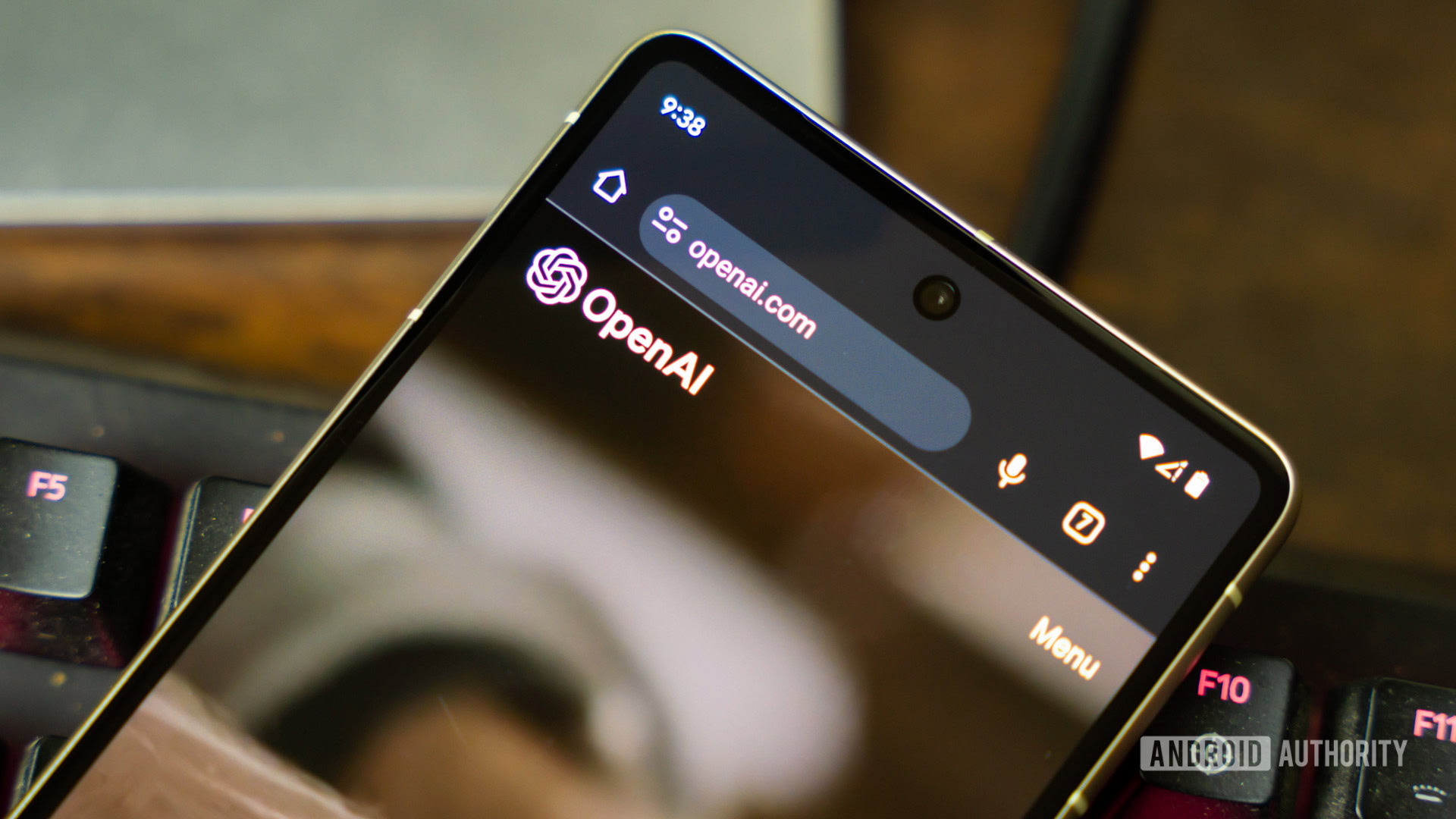
Chrome may be the default browser on Android, but more people are trying this instead
Technology · July 15, 2026
A lot can happen in a YouTube Short — you might learn a recipe, pick up a tech tip, or watch someone recap an entire movie in under a minute. The problem is that the app itself can sometimes get in the way of the video. YouTube’s latest Shorts features are designed to address exactly that: make the viewing experience a little cleaner and a little faster.
That effort starts with what is arguably the most useful addition: clear screen mode. If you’ve ever felt that Shorts can be a little too busy, with captions, buttons, profile icons, and other controls competing for attention, this feature should help. It temporarily hides the interface, leaving the video front and center. It’s a simple change, but one that makes a lot of sense, especially for videos that pack every inch of the screen with information.