The Galaxy S27's charging speeds are already looking disappointing
Technology · October 31, 2026
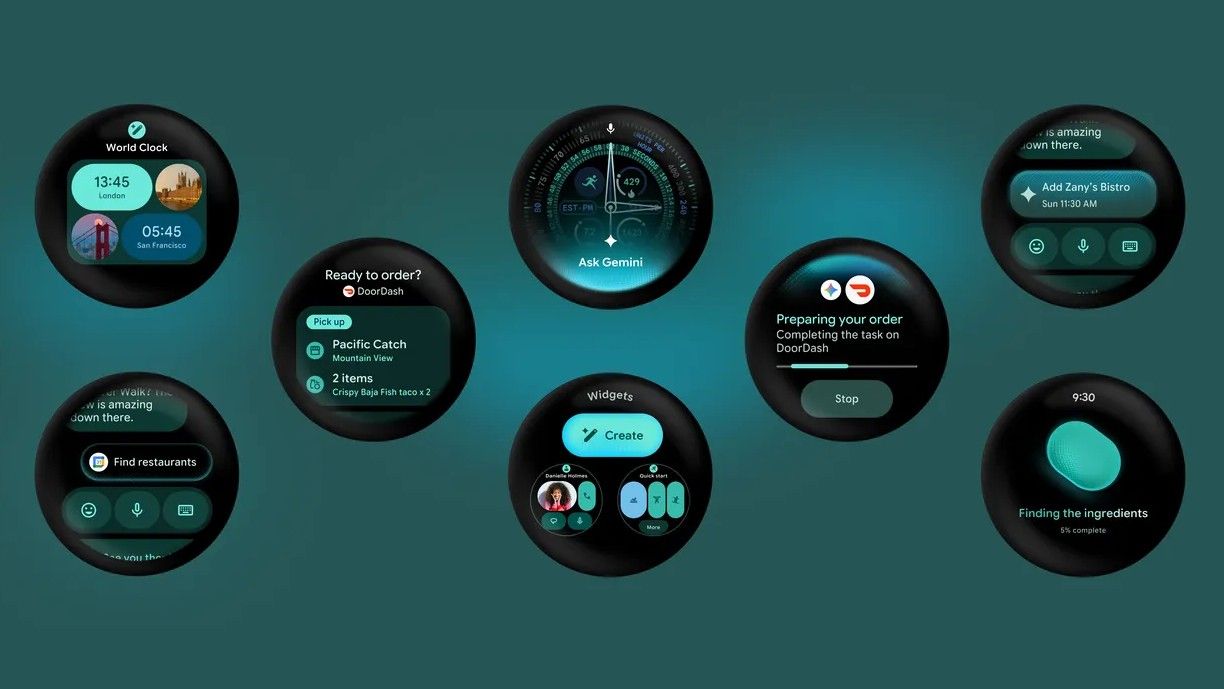
The latest version of Wear OS has landed, just in time for Android 17 to start rolling out on Pixel smartphones. Wear OS 7 is not a huge departure from Wear OS 6, but the update brings a handful of new features that are either available now or coming soon.
It's not immediately clear what's new with Wear OS 7 when you update your smartwatch. Fortunately, we're going to highlight the biggest changes coming to your smartwatch that you'll want to take advantage of.
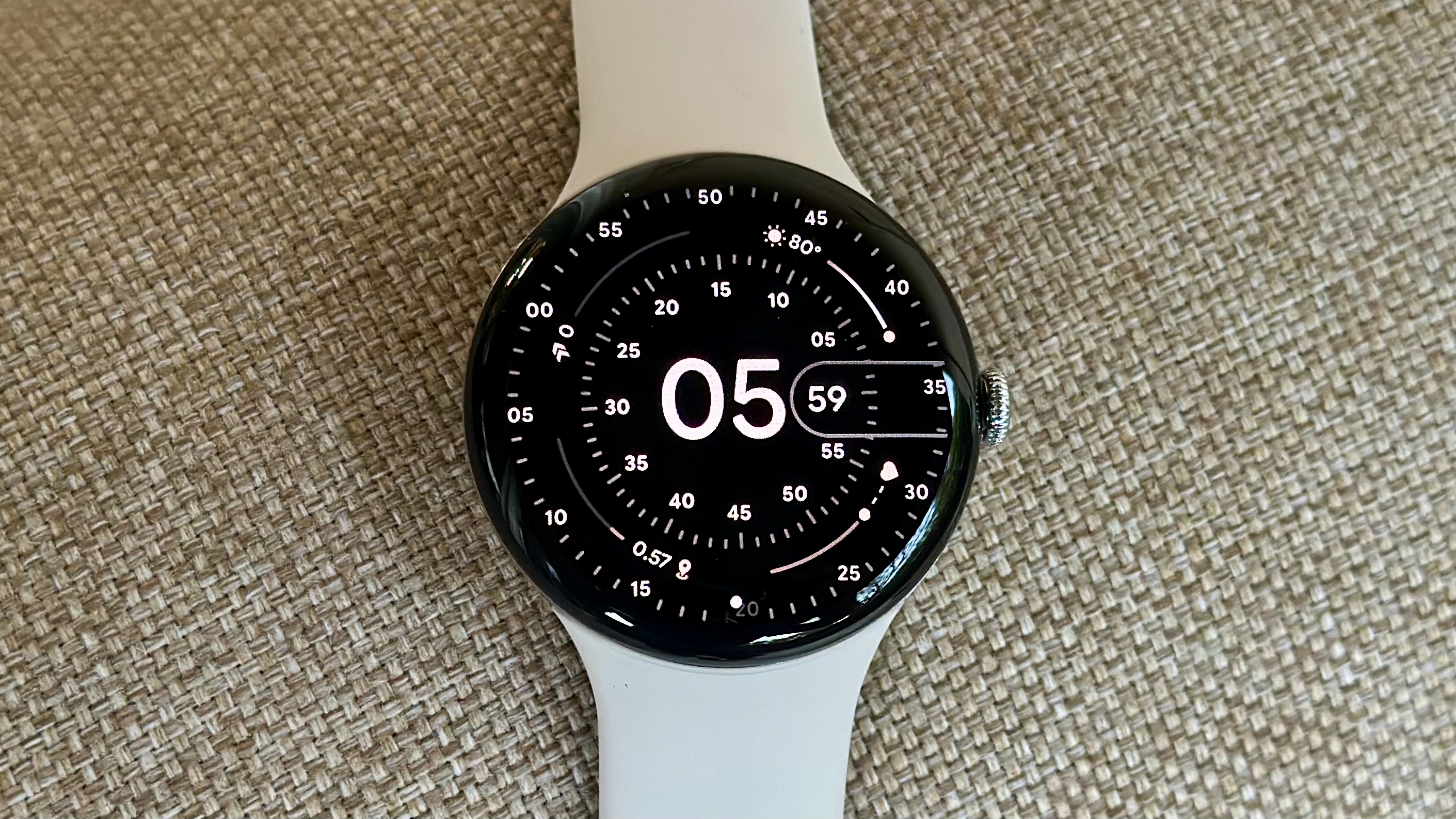
Right now, Wear OS 7 is rolling out to smartwatches running Wear OS 6. However, future Wear OS models, such as the Galaxy Watch 9, could arrive with the new update preloaded out of the box. The current devices eligible for the update include:
In addition to the Pixel Watch series, we expect Wear OS 7 to appear on older Galaxy Watch models, including the latest Galaxy Watch 8 series. OnePlus watches, such as the OnePlus Watch 3, will likely also be updated, though it's unclear when they will arrive on Wear OS outside the Pixel Watch series.
We will update this section when companies announce their Wear OS 7 release schedules.
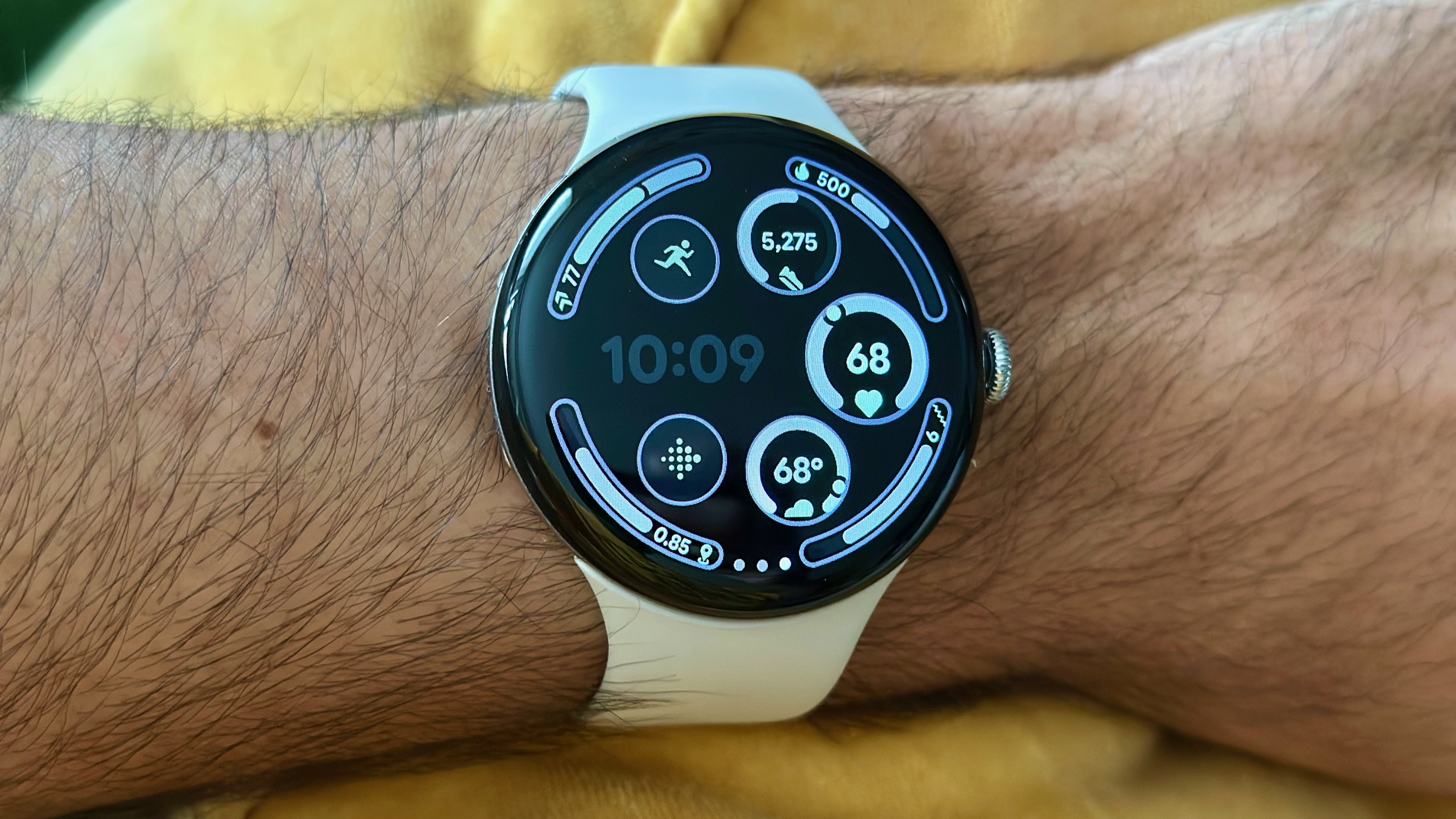
Visually, Wear OS 7 is not a huge departure from Wear OS 6 and still employs Google's Material Expressive design language. However, the company made notable under-the-hood changes and introduced new features that are either available now or will arrive later.
Live Updates
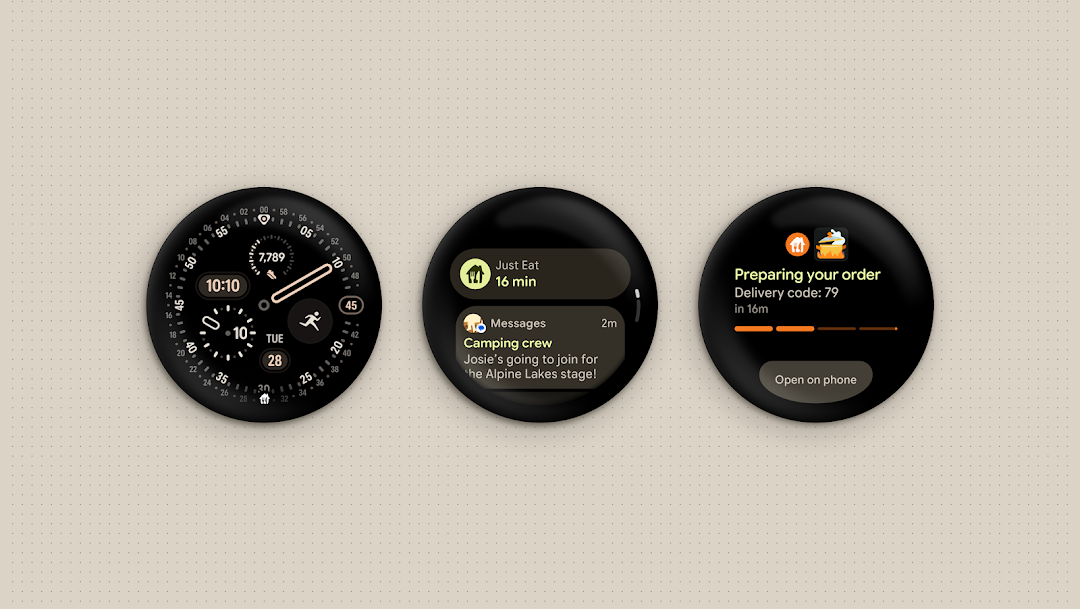
Android's Live Update notifications are a useful way to keep an eye on the status of things like deliveries, sports scores and more. These are coming to Wear OS 7 devices, and will be accessible via the notifications view, which you can access by tapping the notification icon.
Remote Media routing and per-app auto launch
Changes to how your watch handles media are coming. With Wear OS 7, you can choose which apps auto-launch the media player, including YouTube, YouTube Music, and Spotify.
Additionally, when playing media, users can route the audio output directly from the watch. If you're playing music on your phone, you can use the watch to instead have audio played from another connected device, such as a smart speaker.
Android XR control
Android XR devices are coming later this year, and with Wear OS 7, you'll be able to control these wearables directly from your wrist. Google highlights one example in which, when you take a photo with connected Android XR glasses, the preview appears on the watch. It's unclear at the moment what other ways Wear OS 7 watches will connect to Android XR glasses.
Gemini updates
Gemini is getting some noteworthy changes, starting with the new Neural Expressive design language for a more fluid UI. But beyond looks, Gemini becomes more functional with the help of Gemini Intelligence. Users on Wear OS 7 can trigger automated tasks on their phones directly from Gemini on their wrists, and they can track the progress and completion of these processes on the watch.
Additionally, with Personal Intelligence, Gemini on your watch will be able to take your personal context from connected apps like Gmail, Search, and Messages to make more informed decisions and suggestions, providing more relevant responses.
Widgets
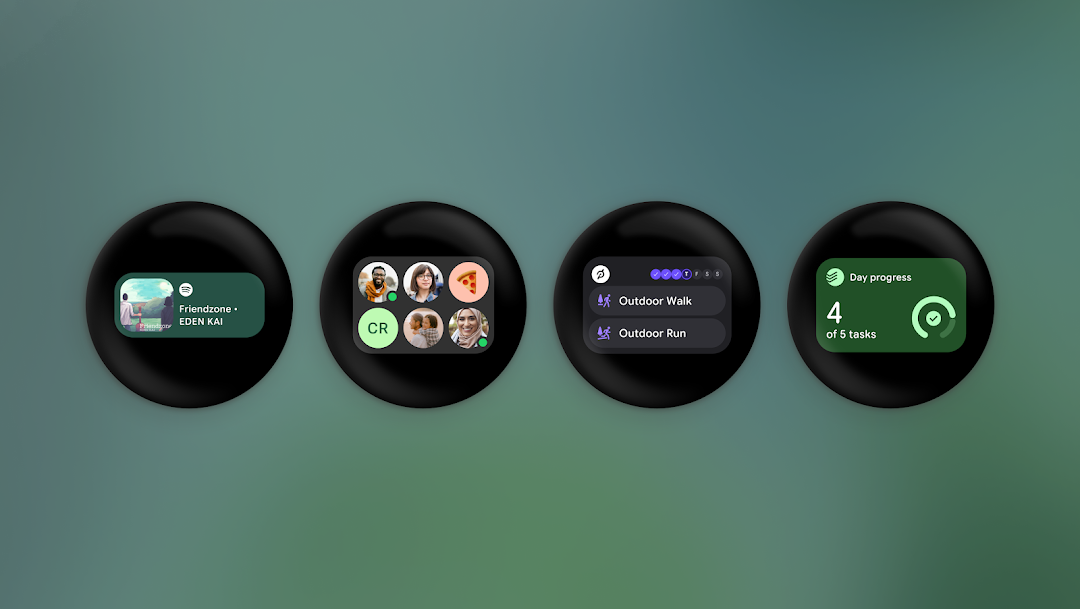
Widgets are the new evolution of Wear OS tiles, allowing developers to create more flexible and dynamic dashboards for your favorite apps to match those on your phones. Furthermore, using Gemini Intelligence, you can create your own widgets by telling Gemini what you want using natural language, allowing you to get the type of glanceable information you want.
Google Contact app updates
The Google Contacts app is getting some quality-of-life updates to make it more functional. When searching for a contact in the Google Messages app, there is now a three-button layout with the keyboard and voice text to make it easier to find the contact you're looking for.
Additionally, improvements have been made to the UI, including an updated Favorites list, new quick action buttons, and a larger contact photo.
Emergency Sharing updates
Loss of Pulse, Car Crash, and Fall Detection features in the Safety & Emergency settings now have the option to toggle on Emergency sharing. This will share your location and other information with emergency services if there is no response from you and the phone detects a fall, car crash, or loss of pulse.
Wear Workout Tracker
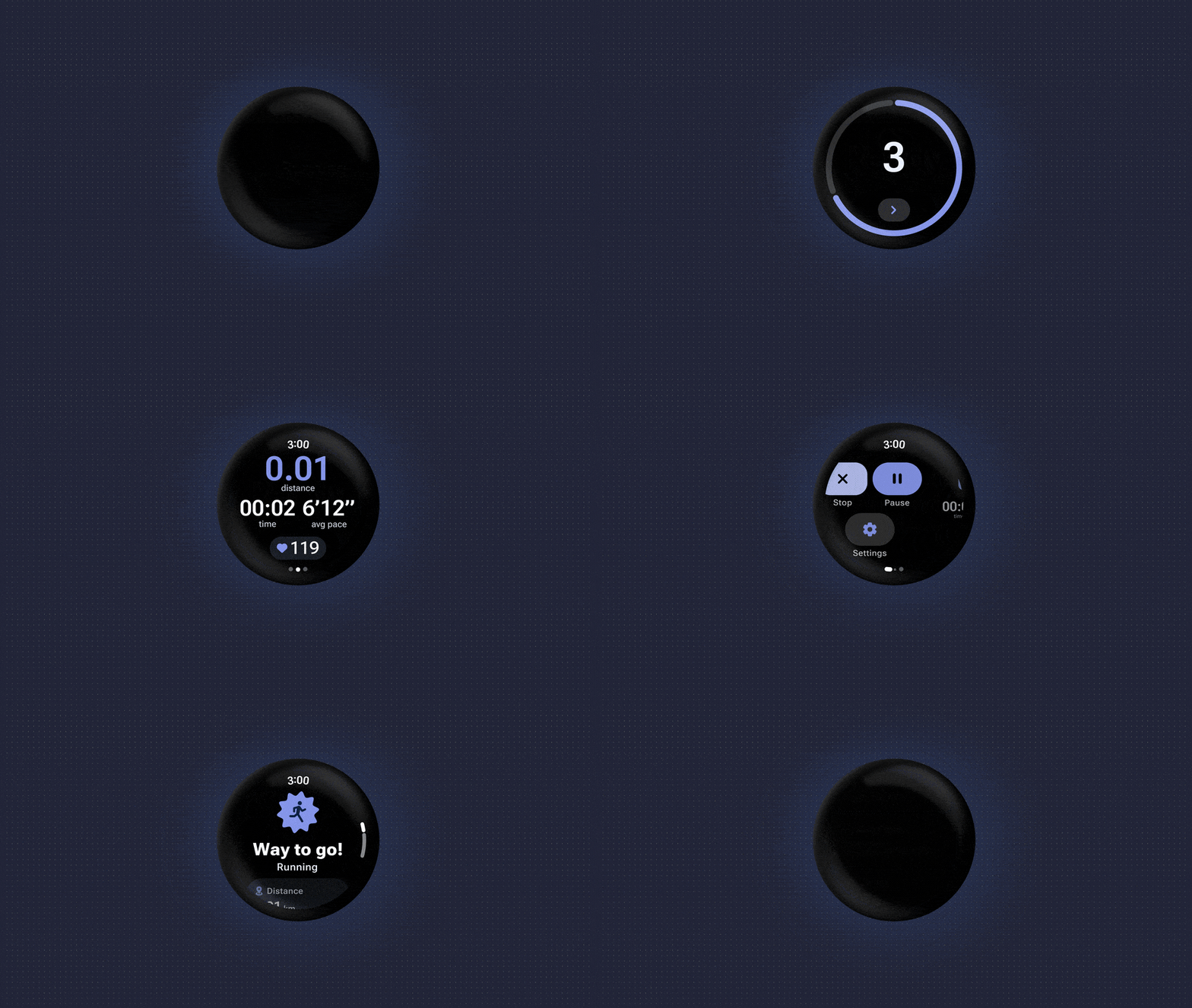
Wear OS watches often offer their own fitness and workout apps, but to help reduce development time and resources, Wear OS 7 now has a built-in Workout Tracker. Later this year, fitness apps like ASICS Runkeeper can tap into the heart rate monitor, media controls, and more, which can help standardize the fitness tracking experience across Wear OS devices.
Battery life improvements
Perhaps one of the most important improvements coming with Wear OS 7 is the boost in battery life. According to Google, users can expect up to a 10% improvement in battery life thanks to system-level power optimizations. This could mean at least a few hours of additional battery life, which is a lot for smartwatches.
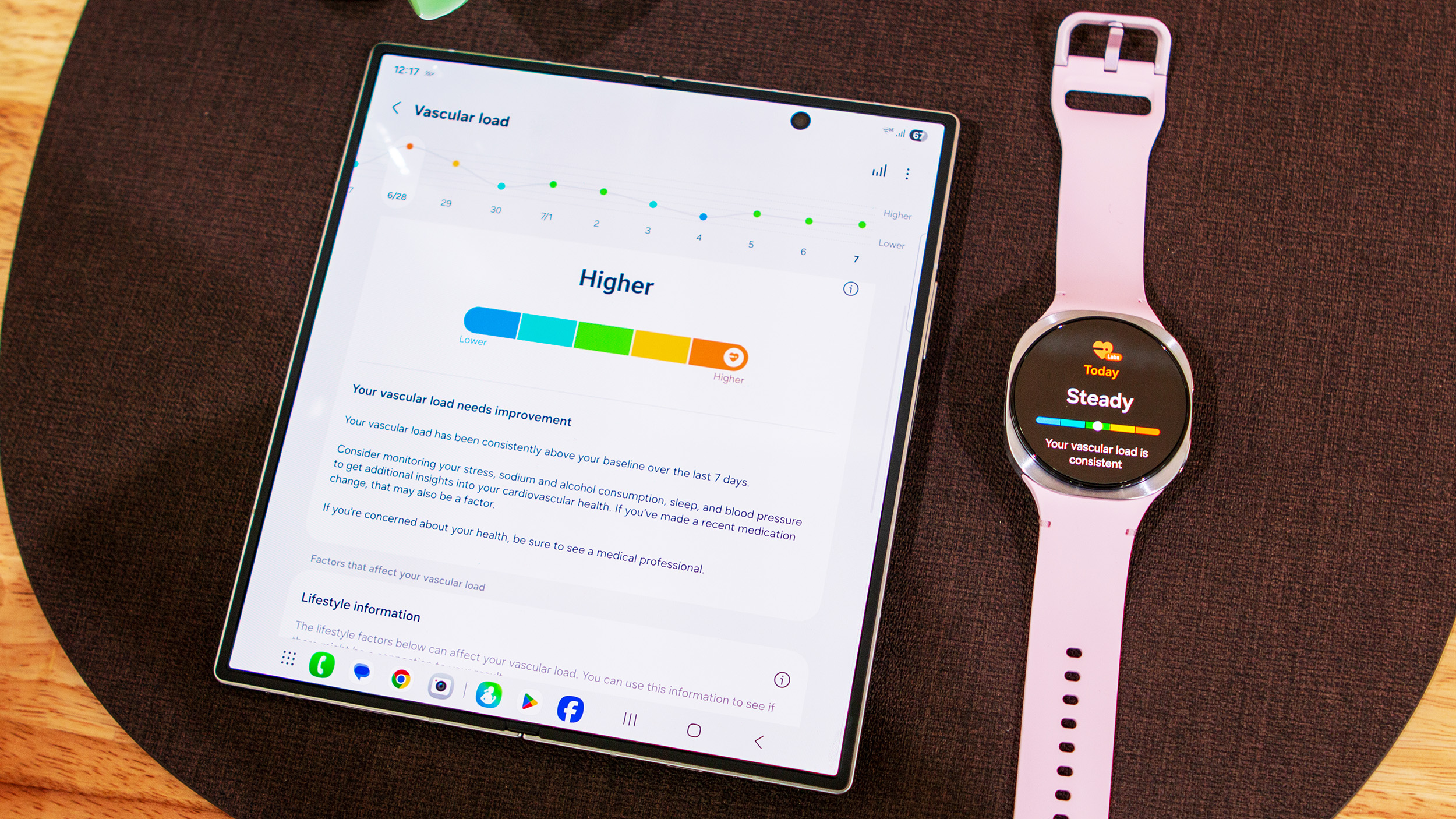
Samsung's version of Wear OS is built with its own One UI skin on top, which it calls One UI Watch. With Wear OS 7, we expect Samsung to roll out One UI 9 Watch, which should bring new features and changes compared to One UI 8 Watch.
We don't know much about One UI 9 Watch at the moment, but it is expected to feature a similar, yet refreshed, interface. We can also expect new features and customizations, with Samsung set to release new Blood Pressure Trends with the update to replace Vascular Load.
One UI 9 Watch firmware has reportedly been spotted on Galaxy Watch 8 models, which suggests it's likely close to landing on our smartwatches.
We can expect One UI 9 Watch to arrive with the Galaxy Watch 9 series, which is expected in July alongside the Galaxy Z Fold 8. The update will likely arrive soon after on eligible Galaxy smartwatches.