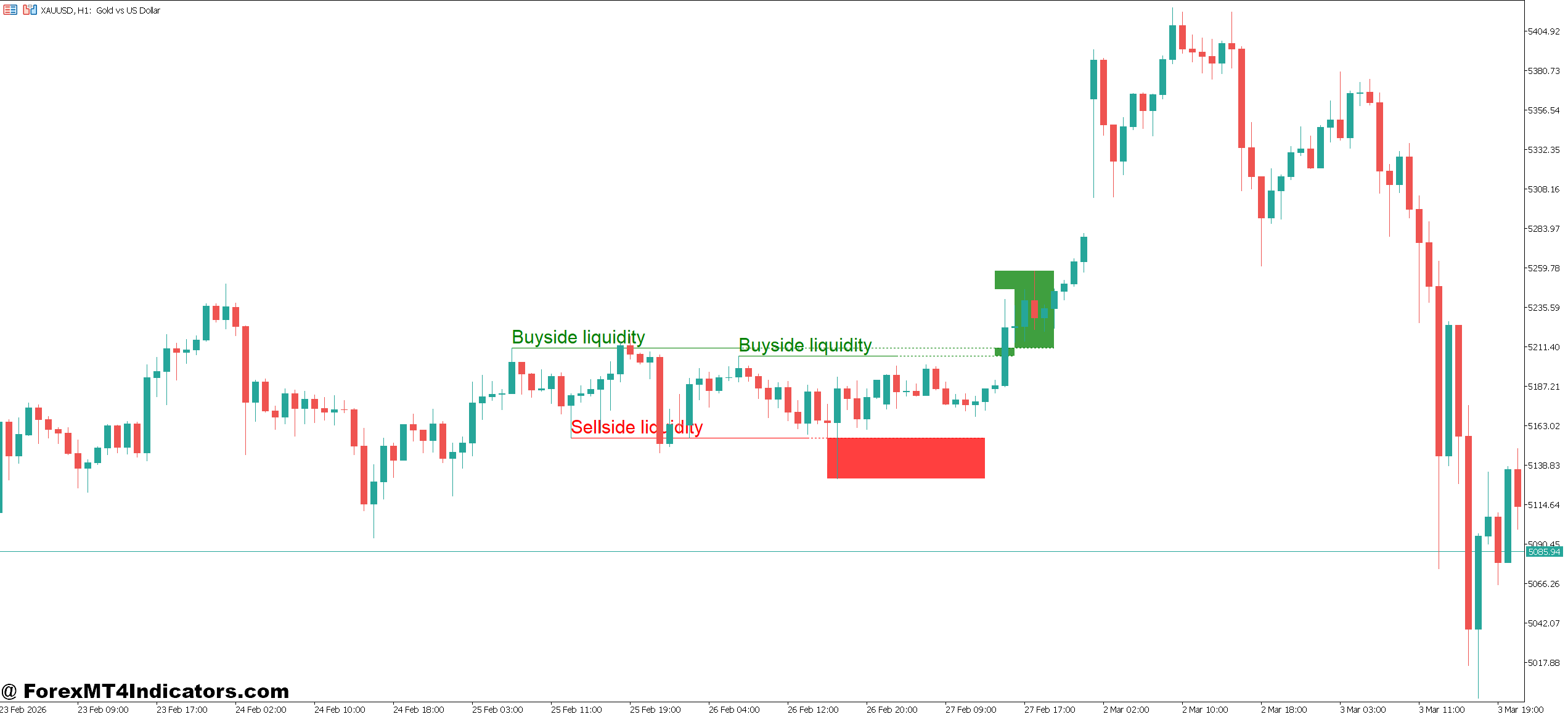
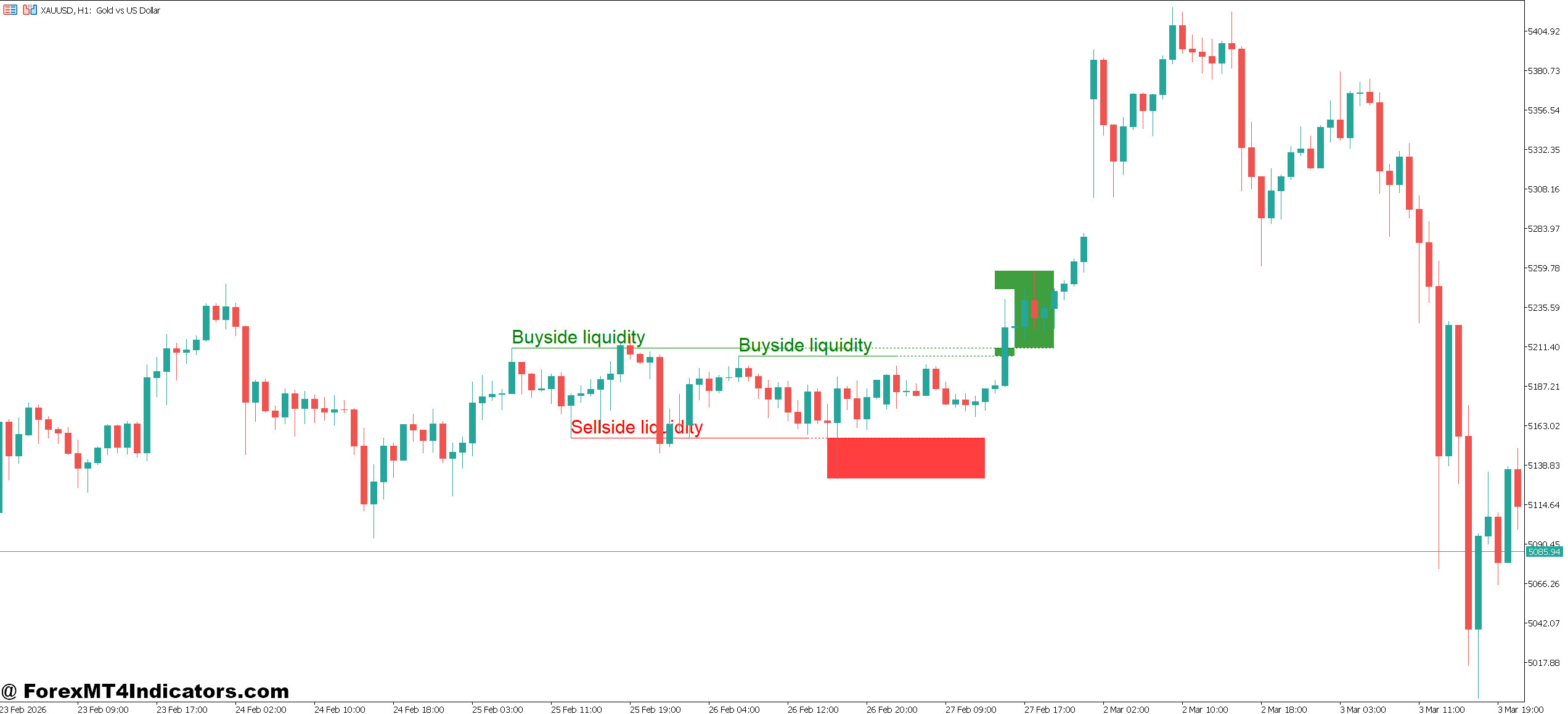
The I-Sessions Indicator MT4 is a visual session-based tool designed for the MetaTrader 4 platform. It marks different trading sessions—typically Asian, London, and New York—using colored boxes or background shading on the chart.
Unlike momentum indicators such as RSI or MACD, this tool doesn’t generate buy or sell signals. Instead, it provides context. It shows when the market is most active, helping traders align their strategies with high-probability trading hours.
For example, a trader watching EUR/USD will often notice that strong trends begin during the London session. The indicator highlights this time window, making it easier to focus on high-volume periods rather than trading blindly throughout the day.
How the Indicator Works in Real Market Conditions
Advertisement
The logic behind the I-Sessions Indicator MT4 is simple but effective. It uses time-based calculations to divide the trading day into sessions based on global market hours.
Each session typically represents:
- Asian Session (Tokyo) – Lower volatility, ranging markets
- London Session – High liquidity, strong trends often begin
- New York Session – Continuation or reversal of London moves
When applied to a chart, the indicator overlays colored zones that correspond to these sessions. For instance, on a 1-hour EUR/USD chart, the London session might appear as a blue rectangle starting around 08:00 GMT.
In practice, traders often notice patterns like this:
Advertisement
- During the Asian session, EUR/USD may stay within a 20–30 pip range
- As London opens, price breaks out with momentum of 50–80 pips
- New York session may extend the move or create a reversal
One trader testing this during an NFP (Non-Farm Payroll) release observed that most volatility occurred during the New York session. By avoiding early entries in the Asian session, he reduced false breakouts and improved trade timing.
Practical Trading Applications and Examples
Using the I-Sessions Indicator MT4 becomes powerful when combined with price action or other tools.
Breakout Strategy Example
On GBP/USD (15-minute chart):
- During the Asian session, price consolidates within a 25-pip range
- As the London session begins, a strong bullish candle breaks the range
- Entry is taken above the breakout with a 15–20 pip stop loss
- Target is set at 40–60 pips based on session volatility
This setup works because the indicator visually confirms the transition from low to high liquidity.
Advertisement
Trend Continuation Setup
On EUR/USD (1-hour chart):
- London session establishes an uptrend
- Price pulls back slightly before New York opens
- Entry is taken during New York session continuation
- Stop loss placed below recent swing low (30–40 pips)
This type of setup avoids entering too early and instead aligns trades with institutional activity.
Avoiding Bad Trades
The indicator is also helpful for filtering trades. For example:
- Trading during late Asian session often results in choppy price action
- Indicators like RSI may give signals, but price lacks momentum
- By avoiding these hours, traders reduce whipsaws and overtrading
That said, no indicator is perfect. Market conditions can shift due to news or unexpected events.
Advertisement
I-Sessions Indicator MT4 Settings, Customization, and Optimization

The I-Sessions Indicator MT4 usually comes with adjustable parameters:
- Session times – Customize based on broker server time
- Colors – Assign different colors to each session for clarity
- Display options – Show or hide specific sessions
For traders in Pakistan (GMT+5), adjusting session times is critical. If the broker uses a different timezone, session boxes may appear misaligned.
A common setup:
Advertisement
- Asian: 03:00 – 12:00 PKT
- London: 12:00 – 21:00 PKT
- New York: 17:00 – 02:00 PKT
Scalpers on M15 charts often focus only on London and New York sessions. Swing traders on H4 charts may keep all sessions visible to understand broader context.
Advantages, Limitations, and Comparison
Advantages
- Improves timing by focusing on high-volatility periods
- Works well with breakout and trend-following strategies
- Simple visual tool—no complex calculations required
- Helps reduce overtrading during quiet market hours
Limitations
- Does not provide entry or exit signals
- Requires combination with other tools like support/resistance
- Session overlaps can sometimes create confusing signals
- News events can override typical session behavior
Trading forex carries substantial risk. No indicator guarantees profits. Traders should always use proper risk management and avoid relying on a single tool.
Comparison With Similar Tools
Compared to volume indicators, the I-Sessions Indicator MT4 focuses on time rather than transaction activity. Volume tools attempt to measure market participation, while session indicators highlight when participation is likely to increase.
Compared to volatility indicators like Bollinger Bands, this tool doesn’t measure price expansion directly. Instead, it provides the context where volatility is more likely to occur.
Advertisement
Many experienced traders combine all three:
- Session indicator for timing
- Support/resistance for structure
- RSI or moving averages for confirmation
That combination often produces more reliable setups than using any single indicator alone.
How to Trade with I-Sessions Indicator MT4
Buy Entry

- Trade London breakout – Enter buy when EUR/USD breaks Asian range during London session with a 20–30 pip breakout candle on M15 or H1; place stop loss 15–20 pips below range low
- Wait for session overlap momentum – Buy during London–New York overlap when GBP/USD shows strong bullish candles with at least 40–60 pip movement; this confirms real volume entering the market
- Use pullback in active session – Enter buy on a 20–30 pip pullback during London session uptrend on 1-hour chart; target 50+ pips continuation
- Confirm with support level – Buy near key support during New York session if price rejects with strong bullish candle; avoid entries if support breaks with high momentum
- Follow trend after Asian range – If daily trend is bullish, wait for London breakout above Asian high (15–25 pip range) and enter with trend direction
- Avoid low volatility traps – Do not buy during late Asian session when EUR/USD moves less than 15 pips; signals here often fail
- Stack confirmation with indicators – Combine with RSI above 50 or moving average crossover on H1 before buying; reduces fake entries
- Use tight risk control – Risk only 1–2% per trade and aim for minimum 1:2 risk-reward ratio (e.g., 20 pip SL, 40 pip TP)
Sell Entry

Advertisement
- Sell London session breakdown – Enter sell when GBP/USD breaks below Asian low with a strong bearish candle of 20–30 pips on M15 chart; set stop loss 15–20 pips above range
- Trade New York reversals – Sell if EUR/USD shows rejection at resistance during New York session with 30–50 pip bearish move; common after London trend exhaustion
- Use pullback in downtrend – Enter sell on 1-hour chart after 20–25 pip retracement in a bearish trend during London session; target continuation of 40–70 pips
- Confirm with resistance zone – Sell near strong resistance if price forms rejection wicks during active session; avoid if breakout candle closes above level
- Follow session-based trend shift – If London session starts bearish, sell early pullbacks instead of chasing price after 50+ pip move
- Avoid choppy sessions – Skip sell trades during Asian session when range is under 20 pips; high chance of false signals
- Use confluence indicators – Confirm with RSI below 50 or bearish moving average crossover on H1 or H4 charts before entering sell
- Apply strict risk management – Keep stop loss 20–30 pips and aim for at least 1:2 or 1:3 reward ratio; never risk more than 2% of account per trade
Conclusion
The I-Sessions Indicator MT4 gives traders a clear view of when the market is most active, which can improve both timing and decision-making. It helps identify high-probability trading windows, reduces unnecessary trades during low-volume periods, and supports strategies like breakouts and trend continuation. At the same time, it doesn’t generate signals on its own and works best when combined with price action and risk management rules.
For traders who often enter too early or trade during quiet hours, this tool offers a practical solution. Testing it on pairs like EUR/USD or GBP/USD across different sessions can reveal patterns that aren’t obvious at first glance.
Recommended MT4/MT5 Broker
XM Broker
- Free $50 To Start Trading Instantly! (Withdraw-able Profit)
- Deposit Bonus up to $5,000
- Unlimited Loyalty Program
- Award Winning Forex Broker
- Additional Exclusive Bonuses Throughout The Year
- Exclusive 90% VIP Cash Rebates for all Trades!

>> Sign Up for XM Broker Account here with Exclusive 90% VIP Cash Rebates For All Future Trades [Use This Special Invitation Link] <<
Advertisement
Already an XM client but missing out on cashback? Open New Real Account and Enter this Partner Code: VIP90
(Free MT4 Indicators Download)

Enter Your Email Address below, download link will be sent to you.
Get Download Link
Advertisement